The Gold Standard
Integration
Feed the algorithm what it needs. Push phone conversions into Google Ads so Smart Bidding can optimise for actual revenue, not just clicks.
Enfonica
Google Ads
The Problem with "Click to Call"
Most businesses optimise for button clicks. But clicking a button isn't a lead.
of button clickers never actually dial. You're training Google to find window shoppers.
of calls are missed or too short to be meaningful. Optimise for quality, not noise.
The Solution
Optimise for connected calls instead. Train Google to find real buyers, not window shoppers. That's the difference between wasted spend and sustainable growth.
How It Works
How the Closed Loop Works
Import phone leads as conversions so the algorithm knows which keywords work. Close the attribution loop.
Visitor Lands on Website
Someone clicks your Google Ad and lands on your site.
We capture the gclid, UTM parameters, and landing page URL in the background.
They See a Dynamic Number
Our script swaps the phone number based on their source.
Each visitor gets a unique tracking number from your pool, linked to their session.
Visitor Calls
The phone rings. The call is answered and lasts 90 seconds.
We link the inbound call to the web session using the tracking number.
We Verify the Lead
Call duration and answer status are validated.
Only real conversations (e.g., >60s, answered) are pushed to Google Ads.
Conversion Synced to Google Ads
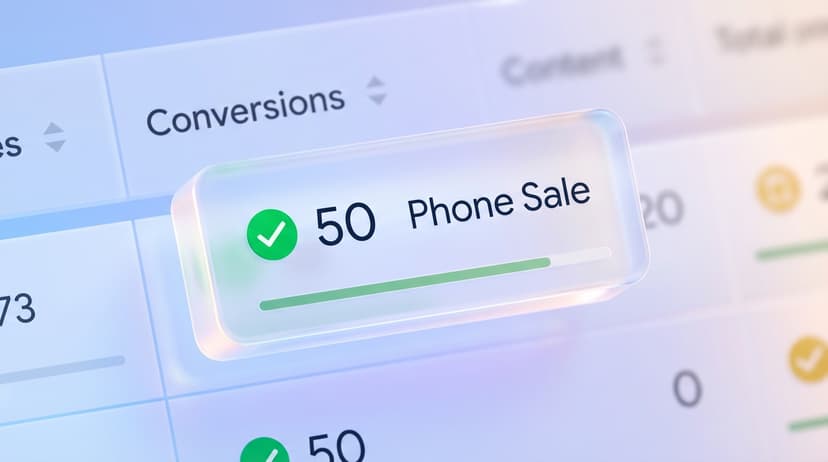
The verified call appears in your Google Ads account.
Smart Bidding now optimises for phone leads, not just clicks.
AI Label Optimisation
Go beyond "Connected Calls." With AI Call Insights, push conversions based on actual call outcomes.
Quality Signal
Trigger conversion events only for "Qualified Lead" calls. Ignore wrong numbers and spam.
Only the Calls That Matter
Send only calls with the labels you choose, like Qualified or Booked. Bidding learns from real leads.
Give Google Ads the data it needs
Distinguish between a $5 inquiry and a $500 customer.
Built for Scale and Reliability
Enterprise-grade infrastructure that agencies can trust.
Auto-Tagging
Auto-tagging must be enabled in your Google Ads account so the gclid parameter is appended to URLs.
This is enabled by default in most accounts, but we'll verify during setup to ensure 100% tracking coverage.
Click-ID Matching
Qualifying calls are uploaded with the GCLID, GBRAID or WBRAID captured from the visitor’s session, so Google can match the conversion to the original ad click.
Caller phone numbers and email addresses are not included in the upload. See the Google Ads integration documentation for setup and eligibility requirements.
Automatic Deduplication
We handle deduplication automatically using order_id to prevent double-counting.
If a call is re-processed or retried, Google Ads will intelligently dedupe it - keeping your conversion counts accurate.
FAQ
Got Questions?
Deep dive into GCLIDs, Smart Bidding, and conversion attribution.
Does this work with Call Extensions?
No. This integration tracks calls from your website. For Call Extensions (Google's numbers), continue using Google's native tracking.
How long until conversions appear?
We push data immediately, but Google Ads can take 2-3 hours to process offline conversions. This is a Google limitation, not an Enfonica delay.
Can I assign dollar values?
Yes. Set a static value (e.g., $50) in Google Ads, or use our AI features to send dynamic values based on call intent (e.g., $150 for "Booked").
What about attribution?
We attribute to the gclid of the session. Google Ads then applies your selected attribution model (Data-Driven, Last Click) to the conversion event.
Do I need special access?
You'll need Standard or Admin access to the Google Ads account to create the conversion action and link it to Enfonica via API.
Can I filter spam?
Absolutely. Set a minimum duration (e.g. 60s) or use AI to filter out "Spam" tagged calls. Don't waste budget optimising for robocalls.
Ready to optimise for revenue?
Stop guessing which keywords work. Start proving ROI with conversion data that matters.