Media library
The media library holds the audio files you upload for use in flows, and can generate speech from text. Open it from any step that plays audio, such as Play, Menu or Voicemail.
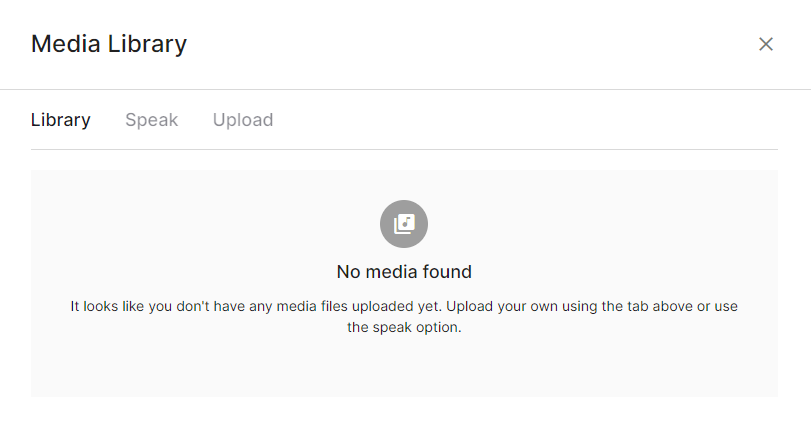
Library
The Library tab lists audio files you have uploaded. Select one to use it. You can also preview, rename and delete files here.
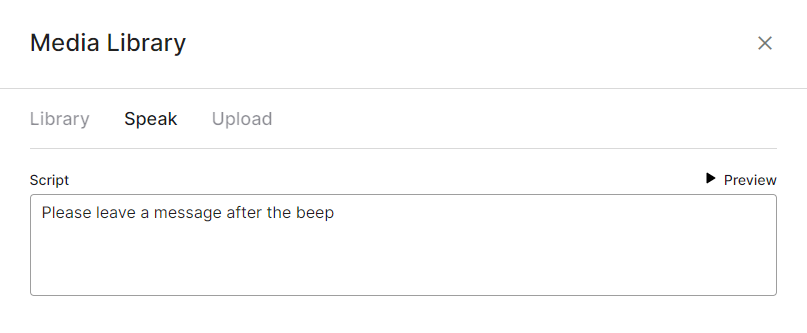
Speak
The Speak tab generates text-to-speech audio from text you enter, so you don't need to record anything. Text-to-speech is free.
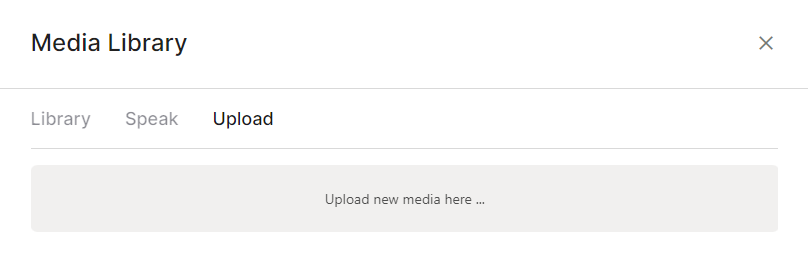
Upload
The Upload tab accepts new audio files in .mp3 or .wav format.