Record step
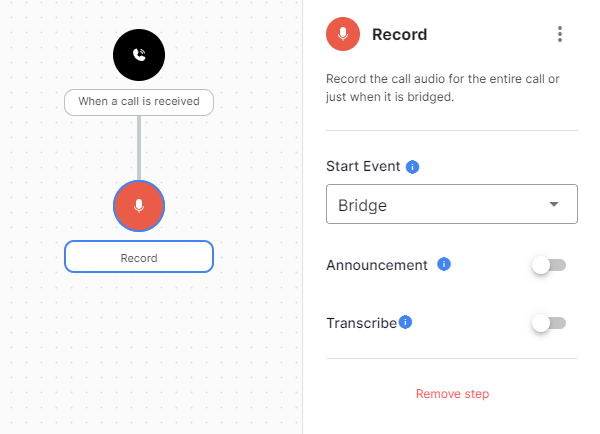
The Record step records part or all of the call. The recording appears on the call in the Console.
In Call Tracking, set recording on the tracking site, number pool or static number instead of adding a Record step, so that the consent preamble plays first and the recording appears on the tracked call. See Record calls and play a consent message.
Configuration
| Field | Description |
|---|---|
| Start Event | The event that starts the recording. |
| Sound | Audio played before recording starts, from the media library or text-to-speech. |
Exits
The Record step moves straight to the next step.